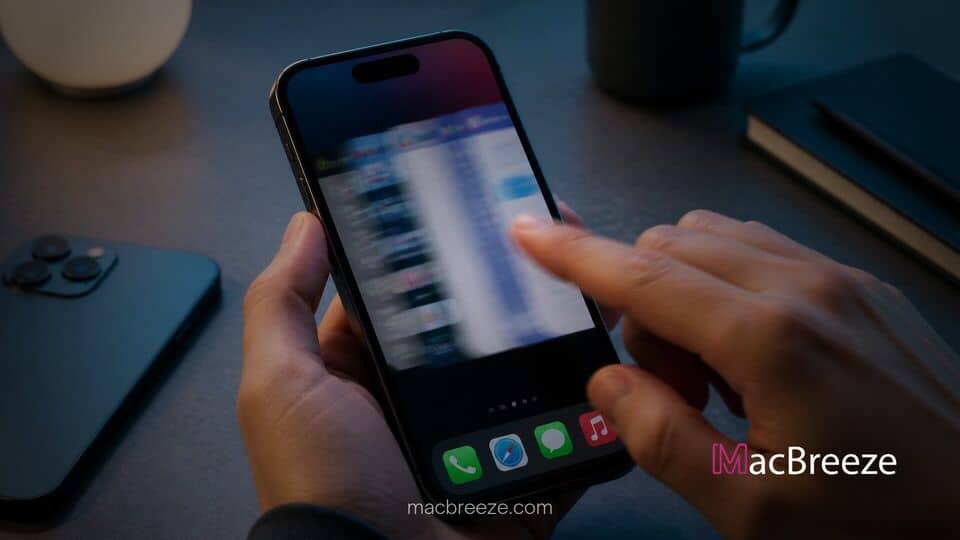
A newly uncovered software bug in iOS 27 is causing iPhone displays to freeze after users perform a rapid succession of swipes on the Home Screen. The glitch temporarily renders touch input unusable and disables standard system navigation across affected devices.
While the issue has quickly spread across social media platforms as a viral trick, tech experts clarify that the display soft-lock does not cause permanent hardware damage or data loss. Affected users can instantly recover full device functionality by performing a basic hardware restart.
ios 27 screen freezing swipe bug fix and system status
The system glitch manifests when a user quickly pulls down the Notification Center and then rapidly opens the Control Center before the initial animation finishes. This rapid sequence confuses the window compositor in iOS 27, locking the graphical interface in an unresponsive state. Users affected by the bug report that while the screen turns unresponsive to touch, the underlying system continues running.
Because the issue prevents touch gestures from registering, standard software shutdowns via the slide to power off toggle become inaccessible. Consequently, executing a physical force restart serves as the primary ios 27 screen freezing swipe bug fix. Knowing how to recover from an unresponsive system interface remains vital, much like troubleshooting when an iPhone camera shows a black screen or blank viewfinder.
Details of the iOS 27 Rapid Swipe Bug
The gesture bug relies on precise timing between two conflicting interface animations. When triggered on an iPhone running iOS 27, the display enters a soft-locked state where system shortcuts overlap incorrectly.
How the Gesture Glitch Soft-Locks the Display
To replicate the glitch, a user swipes down from the top-left corner of the Home Screen to open the Notification Center. Immediately afterwards, before the dropping menu settles, the user swipes down from the top-right corner to open the Control Center, then dismisses it. When completed within a narrow millisecond window, the graphical layer breaks.
Once the bug takes hold, noticeable visual glitches appear on the display:
- Lock screen controls like the Torch and Camera icons float and become stuck at the top of the screen.
- Swiping horizontally between Home Screen pages stops functioning entirely.
- Taps on app icons and user interface elements fail to register.
- System menus stop dismissing, leaving the user unable to exit frozen applications.
Because the system software continues running under the stuck interface, notifications and incoming audio calls may still ring, but screen taps remain ignored. Interface hiccups of this nature are reminiscent of other software glitches, such as when users experience iPhone notifications not working on the lock screen.
How to Force Restart a Frozen iPhone Running iOS 27
Because the touchscreen cannot register taps during the soft-lock state, users must rely on physical button sequences to reset the device hardware. The sequence flushes system memory and reboots the operating system without wiping user data.
Follow these exact steps to restore a frozen device:
- Press and quickly release the Volume Up button.
- Press and quickly release the Volume Down button.
- Press and hold the Side button.
- Continue holding the Side button for up to 10 to 15 seconds until the display turns black and the Apple logo appears.
- Release the button and allow the iPhone to complete its normal boot process.
Once the reboot finishes, the iPhone returns to its normal state with all touch features fully restored. This physical button method provides a reliable fallback across modern iPhone models whenever software interface layers become unresponsive.
Expected Bug Fix in Upcoming iOS Software Updates
Apple has not formally commented on the gesture bug, but technical analysts note that the issue stems purely from animation frame handling rather than core system corruption. Software testers report that similar gesture collisions have appeared in early operating system revisions before being patched in minor maintenance releases.
Reports indicate that the soft-lock remains reproducible on iOS 27.0 and initial developer builds. Apple software engineers routinely address gesture race conditions in subsequent point updates, such as iOS 27.0.1 or iOS 27.1, by refining gesture priority rules and fixing menu concurrency.
This gesture glitch arrives as Apple continues expanding its mobile software ecosystem. Recent software releases have delivered major enhancements, ranging from expanded child safety features across iOS 27 to unique hardware settings like the Shift Left Edge display setting on the foldable iPhone Duo. As Apple refines its latest release, users encountering screen freezes should rely on the force restart sequence while awaiting an official patch.