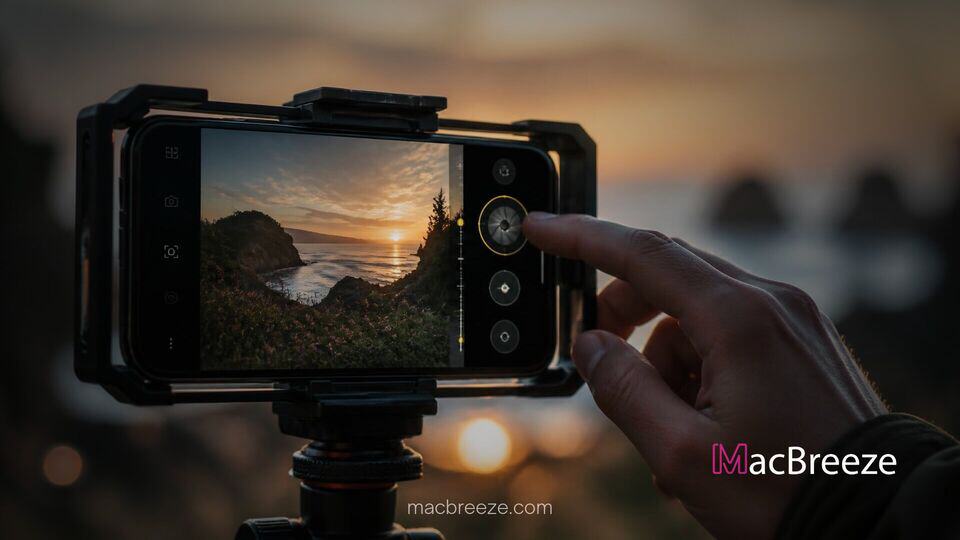
Apple officially released a major update to its dedicated mobile filming application, launching Final Cut Camera version 2.4 for iOS users worldwide. The free software update introduces extensive manual controls for physical camera hardware along with advanced video monitoring capabilities designed for professional production workflows.
By pairing software enhancements with mobile hardware features, the application update expands creative flexibility for videographers working in the field. Creators can now take advantage of granular exposure settings, real-time audio and visual indicators, and improved post-production integration when editing on companion desktop and tablet platforms.
Final Cut Camera 2.4 Redesign and Key Features
The latest software release includes a comprehensive overhaul of the application user interface, structured specifically to make technical shooting adjustments faster and more intuitive during high-pressure shoots. Important parameters such as shutter angle, ISO, and manual Kelvin white balance adjustments are now easily accessible directly on the main camera screen. Photographers and videographers can monitor scene exposure using customizable false color overlays and clipping indicators with adjustable threshold settings to avoid blown-out highlights.
To assist with critical focus, the updated software introduces improved focus peaking controls complete with adjustable sensitivity levels. A newly added on-screen tally light gives creators clear visual confirmation whenever active recording is underway. Additionally, Apple incorporated an uncluttered view option, enabling filmmakers to execute a quick two-finger tap on the viewfinder to temporarily hide all UI controls and monitoring overlays while framing a shot.
Variable Aperture Control for iPhone 18 Pro
The standout feature inside the release targets the latest flagship hardware, delivering specialized controls tailored specifically for the 48MP Fusion Main camera system featured on the flagship iPhone 18 Pro lineup. The application enables direct hardware control over the dynamic mechanical iris, allowing videographers to choose specific physical aperture openings ranging from f/1.48 to f/4.0. This capability allows filmmakers to physically manage light intake and manipulate native depth of field rather than relying solely on software-simulated background blur.
Shooters can choose between manual aperture adjustment, shutter priority mode, and aperture priority mode, giving them the flexibility to lock down shutter angle while the application automatically compensates for changing light conditions. The update complements broader system upgrades across Apple platforms, reminiscent of recent operational enhancements seen when Apple updated TestFlight with support for macOS resizable iPhone Mirroring to streamline cross-device mobile software testing.
Cinematic Mode Integration and Export Improvements
In addition to hardware exposure controls, the update expands post-production flexibility by bringing Cinematic mode depth capabilities to standard video capture modes. Shooters recording in standard video formats, as well as high-bitrate ProRes and Apple Log profiles, can now capture embedded depth maps alongside their primary video files. When imported into Final Cut Pro for Mac or iPad, editors can adjust focal points and alter depth-of-field intensity long after the physical recording session concludes.
For high-end broadcast setups and live studio environments running modern iterations of iOS, Final Cut Camera version 2.4 adds support for real-time video scopes, including an RGB Parade waveform monitor and a traditional histogram. Professional operators can also leverage clean SDI video output over an HDMI-to-SDI adapter and set custom genlock frame delays to eliminate screen flickering artifacts when filming external video walls or syncing secondary camera angles.
Availability and System Requirements
Final Cut Camera 2.4 is available as a free download through the iOS App Store. While core interface redesigns and monitoring tools function across supported hardware running current operating software, specific hardware features such as physical aperture selection and expanded depth-map recording require the newest iPhone 18 Pro models. Furthermore, advanced broadcast monitoring features like genlock delay compensation and SDI video passthrough require an iPhone 17 Pro or later operating on iOS 27.
Overall, the 2.4 release represents a major step forward in bridging the gap between consumer mobile hardware and professional video production tools. By handing physical exposure controls directly to creators, Apple continues to solidify its mobile ecosystem as a viable capture platform for professional filmmakers.