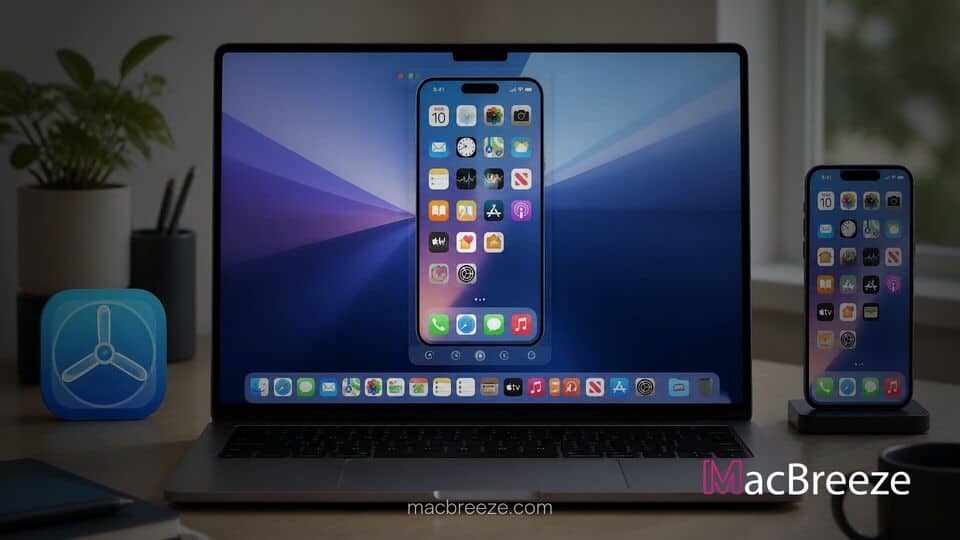
Apple has officially released TestFlight version 4.4.0 across its operating system ecosystem, bringing optimized compatibility for the latest desktop and mobile software updates. The new release specifically adds compatibility for key user interface controls introduced in macOS 27, allowing developers and beta testers to resize the application window when operating through continuous desktop session streams.
Alongside expanded desktop windowing options, the update introduces native landscape orientation support for iPhone devices. These additions ensure that software creators can smoothly monitor prerelease app builds, read release notes, and process feedback regardless of display size or orientation on host hardware.
testflight macos 27 resizable iphone mirroring
The latest iteration of TestFlight focuses heavily on adapting to the display flexibility introduced in recent operating system versions. With the release of version 4.4.0, developers running iOS 27 and macOS 27 can now freely scale the TestFlight window while accessing their mobile device remotely from a Mac desktop. Previously, mirrored mobile software was locked strictly to a fixed portrait aspect ratio, which limited how efficiently developers could manage workspace layouts on larger desktop monitors.
TestFlight Update Brings macOS 27 Window Resizing Support
Window resizing in iPhone Mirroring represents one of the major functional enhancements in Apple's current desktop operating system generation. When paired with supported software builds, users can click and drag the edges or corners of a mirrored application window to expand its layout dynamically. In TestFlight, this capability enables build release notes, update history details, and crash report feedback logs to present more visual information simultaneously without requiring perpetual vertical scrolling.
To utilize this capability, both connected devices must be updated to the latest OS baseline. Apple confirmed that window resizing functions when running iOS 27 or later alongside macOS 27. The feature is also subject to regional availability guidelines depending on localized mirroring support.
Landscape Orientation and Mirroring Enhancements
In addition to desktop window adjustments, TestFlight version 4.4.0 introduces standard landscape orientation on iPhone models. While previous releases strictly enforced portrait displays for reviewing app builds, the new version automatically rotates its user interface when the device is held horizontally. This ensures developers who test horizontally oriented apps or mount their phones on stands can review tester submission metadata without physically altering device placement.
The update also maintains full consistency with updated desktop menu shortcuts. When operating through desktop streams, users can invoke standard keyboard commands to toggle view modes, access Control Center, or reset the app layout to default phone dimensions.
What This Means for Developer Testing Ahead of Upcoming Launches
For app creators, the update streamlines the iteration process during crucial beta release cycles. TestFlight remains central to Apple's software development pipelines across iPhone, iPad, Mac, Apple Vision Pro, Apple TV, and Apple Watch. By supporting flexible window scaling and orientation shifts natively within TestFlight, developers can better preview how custom interface elements adapt across different display contexts.
This update comes at an active time for the Apple software platform, as teams continuously refine app builds targeting recent system features. Ensuring that distribution and testing tools match system level UI behaviors helps prevent layout bugs before apps hit public App Store listings. Furthermore, developers managing workflows on modern Mac hardware can now seamlessly incorporate beta management into busy multi window layouts alongside their code environments.
Availability and How Developers Can Access the Update
TestFlight version 4.4.0 is available immediately as a free download from the App Store across compatible devices. Users who have automatic app updates enabled will receive the new build seamlessly, while others can trigger the update manually by visiting the app listing page. Developers distributing beta builds do not need to issue new binary updates for their testers to take advantage of these new platform level display capabilities.
As Apple continues to iterate on software integration between Mac and iPhone ecosystems, updates like TestFlight 4.4.0 highlight a sustained focus on flexible multi device workflows. Developers and beta testers running compatible software are encouraged to update their installations to take full advantage of the improved windowing controls.