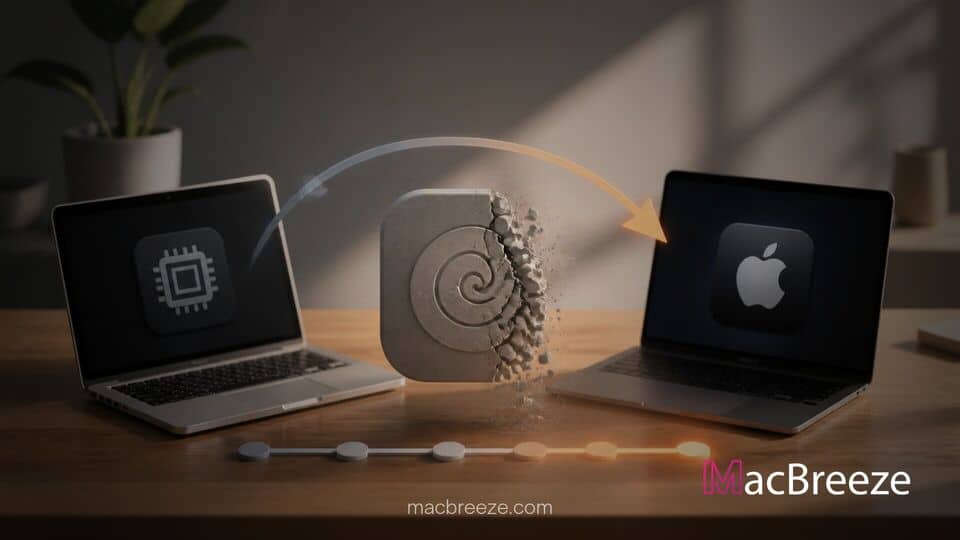
Apple has outlined its final roadmap to complete the transition to custom ARM-based architecture, revealing plans to sunset the Rosetta 2 translation environment. The move marks the beginning of the end for running legacy x86 software on Apple Silicon Mac computers.
Since the launch of the M1 chip in 2020, Rosetta 2 has served as an essential bridging layer, allowing users to run traditional Intel-compiled apps on modern Apple hardware without manual intervention. With native Apple Silicon software now dominant across the macOS ecosystem, Apple is preparing to decommission the translation tool.
Apple phase out Rosetta Intel Mac apps to complete Silicon transition
Apple announced that it is concluding its architecture transition by phasing out support for Rosetta 2 across upcoming macOS software releases. Starting with user notifications in macOS 26.4 and culminating in the removal of general x86 app translation in macOS 27 and macOS 28, the company is giving both developers and users a structured countdown to upgrade their software stacks.
Apple's Official Timeline for Ending Rosetta Support
The phase-out strategy relies on a multi-stage release schedule designed to prevent abrupt software breaks for enterprise fleets and consumer devices.
Rosetta Notifications Arriving in macOS 26.4
The first phase of the sunset plan began quietly in recent macOS updates. Under macOS 26.4, Apple introduced system-level alerts that pop up whenever a user opens an application that relies on Rosetta translation. The alert informs users that the software uses an older Intel binary and urges them to check for an Apple Silicon native update.
These alerts serve as an early warning mechanism for Mac owners. Additionally, Apple added an app auditing section within macOS System Settings, allowing users to navigate to Settings > General > About > Intel-Based Apps to review a list of all non-native software currently installed on their storage drives.
Final Sunset of Intel App Translation in macOS 27
The major architectural cutoff arrives with the rollout of macOS 27. Apple confirmed that macOS 27 will serve as the final release to support standard x86 translation via Rosetta. Once users update to subsequent macOS versions, general-purpose Intel-only software, including legacy productivity software, administrative utilities, and unmaintained creative tools, will no longer launch on Apple Silicon machines.
Apple noted a minor exception to this rule: a limited subset of Rosetta functionality will remain available specifically to preserve unmaintained, older gaming titles that rely on legacy Intel frameworks. However, for all mainstream commercial applications, enterprise tools, and developer utilities, native binaries will be strictly required.
Impact on Mac Developers and Legacy Intel Software
To align with this timeline, Apple notified Mac App Store developers that they are no longer required to build universal binaries containing Intel code. Developers who target macOS 13 or later can now strip out x86 architecture code and publish arm64-only builds. This allows software teams to trim download package sizes and reduce overall maintenance overhead.
For active developers who have not yet updated their software, Apple's instructions are straightforward: transition to Universal 2 binaries or recompile target code for arm64 immediately. While the vast majority of mainstream Mac apps updated to native code years ago, niche enterprise software, proprietary internal tools, and specialized hardware drivers remain vulnerable.
For example, IT administrators managing enterprise hardware must verify that print management tools, network authentication plugins, and custom VPN clients are running natively. System utilities that hook into low-level login mechanisms or kernel extensions are particularly sensitive to architecture shifts, and unmaintained plugins will fail entirely once translation support disappears. Similar to how running Apple Diagnostics on MacBooks helps identify underlying hardware issues, auditing installed software binaries now helps IT teams prevent unexpected software failures down the road.
What Mac Users Need to Know Before Intel App Support Ends
For everyday consumers using modern Mac laptops, the removal of Rosetta will pass mostly unnoticed. Flagship creative suites, web browsers, media players, and office software have operated natively on M-series chips for years.
However, power users who rely on older audio plugins, specialized CAD programs, or abandoned freeware utilities should audit their systems. If an app shows up as "Intel" in the System Report or triggers a system warning upon launch, users should take the following steps:
- Check the developer's official website for an updated native version.
- Look for modern native alternatives in the Mac App Store or independent application catalogs.
- Consider virtual machine options if running legacy x86 software remains an operational necessity.
As Apple continues to streamline its operating system code base, software developers are prioritizing native arm64 performance across the industry. Industry shifts are happening elsewhere as well; for instance, competitive PC manufacturers like LG are launching new AI laptops to compete directly with Apple's efficiency standards, illustrating how architectural performance has become the primary battleground in desktop computing.
What Happens Next as Apple Completes Its Silicon Transition
Phasing out Rosetta follows a familiar historical pattern for Apple. When the company shifted from PowerPC to Intel processors in 2006, it introduced the original Rosetta translation layer. That translation tool was included in Mac OS X Tiger and Leopard before being removed entirely in OS X Lion in 2011. Rosetta 2 has enjoyed a similar lifespan, serving as a reliable six-year bridge between two hardware eras.
By dropping x86 library frameworks from future macOS releases, Apple frees up system storage, reduces OS complexity, and allows its engineering teams to optimize software exclusively for the Apple Silicon unified memory pipeline. The shift also reinforces Apple's broader hardware roadmap. With news surrounding corporate leadership transitions, such as reports on John Ternus preparing for executive roles at Apple, the focus remains firmly on engineering efficiency and tight hardware-software integration.
As Apple prepares its fall software updates, Mac users and enterprise network managers have a clear window of time to clean up legacy application dependencies. Checking software compatibility today ensures that your Mac workflow remains seamless when the final curtain closes on Intel app support.