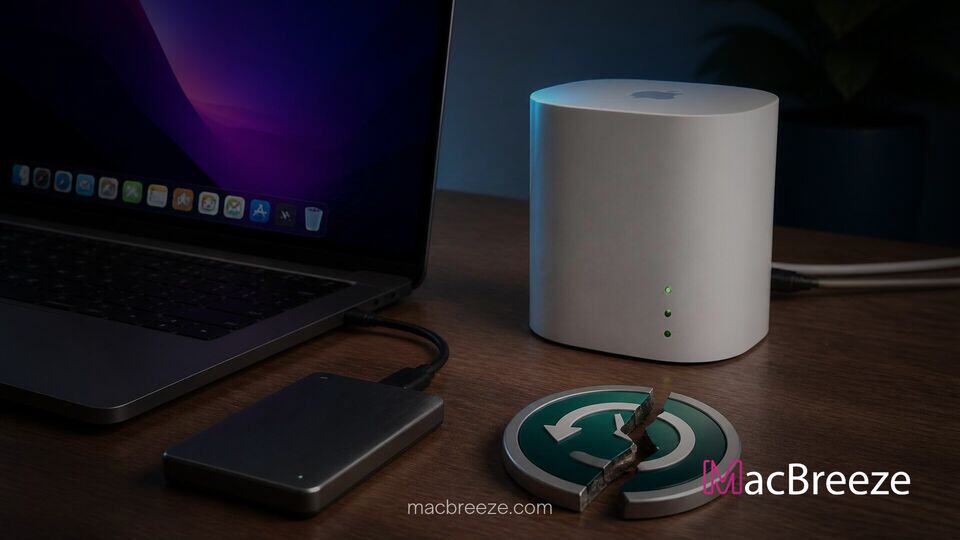
Apple has officially removed network backup support for the AirPort Time Capsule in the release of macOS 27, marking the definitive end of utility for the long-discontinued hardware line. The shift stems from the complete deprecation of legacy Apple Filing Protocol (AFP) networking components within the operating system.
While Mac users can still create backups to modern local drives and network-attached storage units, those relying on vintage AirPort wireless base stations will need to migrate to alternative backup solutions before upgrading their operating system.
macOS 27 Deprecates AFP Protocol for Time Machine
For over a decade, Apple's wireless network storage device permitted automatic over-the-air desktop backups via Time Machine. However, the underlying technology powered those transfers through the legacy Apple Filing Protocol (AFP), a network protocol Apple began replacing with Server Message Block version 3 (SMB3) several years ago. With the rollout of macOS 27 Golden Gate, Apple has completely removed the remaining kernel extensions and user-space tools required to mount remote AFP shares.
Consequently, attempt to initiate a network backup pointing to an AirPort Time Capsule will trigger an OS error stating that the target disk is no longer supported. This development follows a series of deprecation notices over recent software updates. Apple previously marked AFP as deprecated in macOS Catalina, gradually encouraging system administrators and network storage manufacturers to move toward modern SMB standards.
Why AirPort Time Capsule Backups Fail on macOS Golden Gate
The AirPort Time Capsule was discontinued in 2018, and its internal firmware was never updated to support full Time Machine functionality over standard SMB network shares. Because the hardware relies exclusively on legacy protocols to manage Time Machine sparsebundles over a local area network, removing AFP support in macOS 27 effectively severs the operating system's ability to communicate with the device's backup service.
Systems attempting to connect will simply fail to discover or authenticate with the internal drive. This security and architecture cleanup mirrors other legacy deprecations in the update, such as when Apple deprecated the hdiutil disk tool command in favor of modern disk utilities. Although users can still access raw files stored on an AirPort drive through basic SMB file sharing features, the automated Time Machine mechanism will no longer negotiate connections.
Alternative Backup Solutions for Affected Mac Users
To preserve historical backup data and maintain ongoing protection, Apple advises users with an active AirPort Time Capsule to transfer their existing backup archives to supported storage destinations. Mac owners have several modern options available that offer significantly higher data transfer speeds and improved encryption standards.
Migrating to SMB Network Drives and Local Storage
The primary alternative for wireless backups is a dedicated Network-Attached Storage (NAS) device from vendors like Synology, QNAP, or Asustor, provided the NAS supports Time Machine over SMB3. Modern NAS units leverage high-speed Gigabit or 10GbE connections, offering vastly superior backup performance compared to legacy 802.11ac Wi-Fi routers.
Alternatively, users can attach high-capacity external solid-state drives or hard drives directly to their Mac using Thunderbolt or USB-C interfaces. Direct-attached storage remains the fastest, most reliable method for local system restoration. For those who prefer wireless local backups without dedicated network hardware, a secondary Mac running macOS 27 can also act as an SMB Time Machine backup target for other computers on the same network.
What Apple's Protocol Phaseout Means for Older Hardware
The retirement of AFP support reflects Apple's ongoing effort to remove legacy codebases from macOS to tighten security and improve overall networking performance. As Apple continues optimizing system architecture across all supported hardware, legacy systems that lack firmware updates for modern protocols are gradually reaching complete end-of-life status.
This network protocol cleanup comes alongside broader system transitions across the ecosystem. For instance, Apple is preparing to retire legacy software layers across the platform, similar to its announced timeline to phase out Rosetta support for Intel Mac apps. At the same time, hardware requirements continue to modernize, with Apple officially publishing device lists supporting Wi-Fi 7 features to establish new wireless standards for current Mac hardware.
Users currently relying on an AirPort Time Capsule should archive their existing backup files to an external drive prior to installing macOS 27. Once the upgrade process is completed, setting up a new Time Machine target on an SMB-compatible device or direct USB-C drive will ensure uninterrupted system protection going forward.