Apple has officially expanded its software testing pool by releasing the first public beta of iOS 27.3 to registered users. The software release gives non-developer testers their initial hands-on look at major interface overhauls, security revisions, and expanded app connectivity across the operating system.
The headline addition in this update is a structural overhaul of the native iPhone health tracking interface, designed to streamline daily metrics, long-term wellness trends, and contextual device data. Beyond personal wellness, the build introduces broader platform modifications, following recent developer builds that brought Siri AI third-party app integration in iOS 27.3 to developers.
Apple Releases First iOS 27.3 Public Beta Build to Testers
The public beta roll-out allows member devices registered in the Apple Beta Software Program to download and install the iOS 27.3 pre-release build over the air. This release aligns closely with parallel software updates across Apple platforms, including testing phases for macOS Golden Gate 27.3 developer beta releases.
By opening the software to public testers, Apple aims to gather telemetry and feedback regarding system stability, battery optimization, and third-party app compatibility. The update arrives alongside refined policy controls, such as news that Apple plans to scan publicly shared iCloud links to improve content safety without compromising end-to-end encrypted private sharing.
Redesigned Health App Features New Insights and Summary Tabs
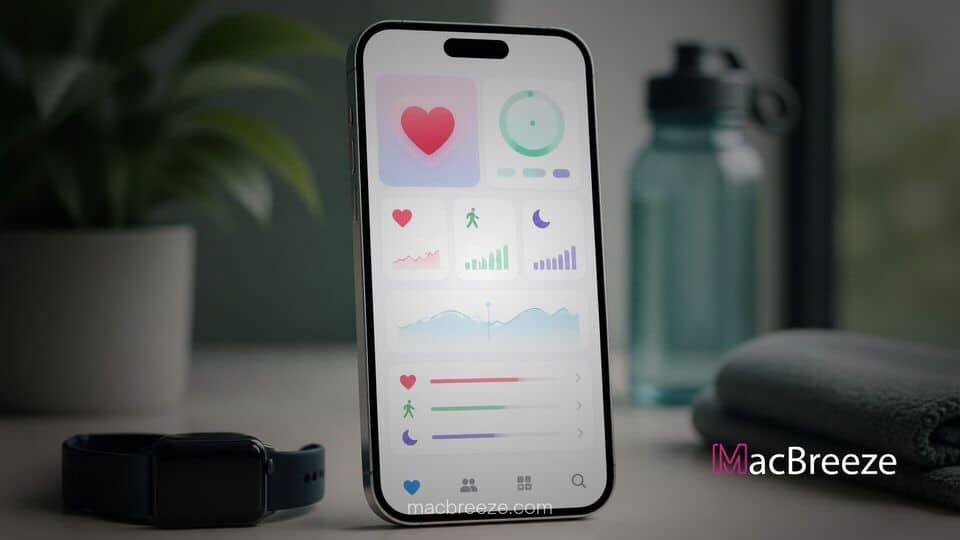
The core focus for users installing the iOS 27.3 public beta health app update is the complete redesign of the Health application layout. Apple has consolidated legacy navigation tabs into a cleaner, card-based interface that prioritizes actionable metrics over raw data lists.
Key highlights of the redesigned Health application include:
- Unified Dashboard: A refreshed Home tab that aggregates real-time activity, heart rate variability, sleep patterns, and ambient noise exposure into customizable visual cards.
- Expanded Insights: Algorithmic summary feeds that highlight significant deviations in baseline health trends over 30-day, 90-day, and annual intervals.
- Streamlined Navigation: A simplified sidebar layout on larger displays and reduced tab counts on standard mobile screens, making secondary health categories easier to locate.
- Enhanced Metric Sharing: Simplified granular permissions for users sharing health data summaries directly with medical providers or designated family members.
The revised structure focuses on contextual presentation. Rather than forcing users to tap through multiple sub-menus to analyze sleep history or cardiovascular trends, the app highlights contextual correlations, such as how changes in daily activity levels directly correlate with resting heart rate and sleep recovery scores.
Key Features Arriving in the iOS 27.3 Beta Build
While the health experience is the primary visual centerpiece of the update, the iOS 27.3 release incorporates functional enhancements across several core system applications and frameworks.
Safari receives meaningful interface updates aimed at improving tab organization and readability. Building on functionality detailed when iOS 27.3 beta added vertical tabs and Adaptive Dark Mode to Safari, public testers can now configure tab orientation preferences and test automatic theme adaptations across supported web pages.
System privacy settings have also been adjusted to provide clearer permission prompts when applications request ambient sensory data or high-precision location coordinates. These operational refinements complement backend updates intended to streamline cross-device synchronization with iPad, Mac, and Apple Watch accessories running complementary pre-release software builds.
How to Install the iOS 27.3 Public Beta Safely
Users interested in trying out the pre-release software can enroll their compatible iPhone models through the official Apple Beta Software Program website using their Apple Account credentials.
Before installing any pre-release software, administrators and users should take precautionary steps to secure their primary data:
- Create an Encrypted Backup: Perform a full local backup of the iOS device to a Mac or PC, or ensure an up-to-date iCloud backup is saved prior to installation.
- Enroll the Device: Navigate to Settings > General > Software Update > Beta Updates on the device and select the iOS 27.3 Public Beta option.
- Download and Install: Connect the device to Wi-Fi and a power source, then tap Download and Install to commence the update process.
Because beta software builds can exhibit unexpected battery drain, background performance dips, or app instability, installing the public beta on secondary test hardware remains the recommended approach for mainstream users.
The release of the first iOS 27.3 public beta represents a key phase in Apple's mid-cycle software timeline. With significant structural refinements to the Health app, enhanced Safari navigation options, and expanded developer capabilities, the update establishes a strong foundation ahead of its expected general release in the coming months.