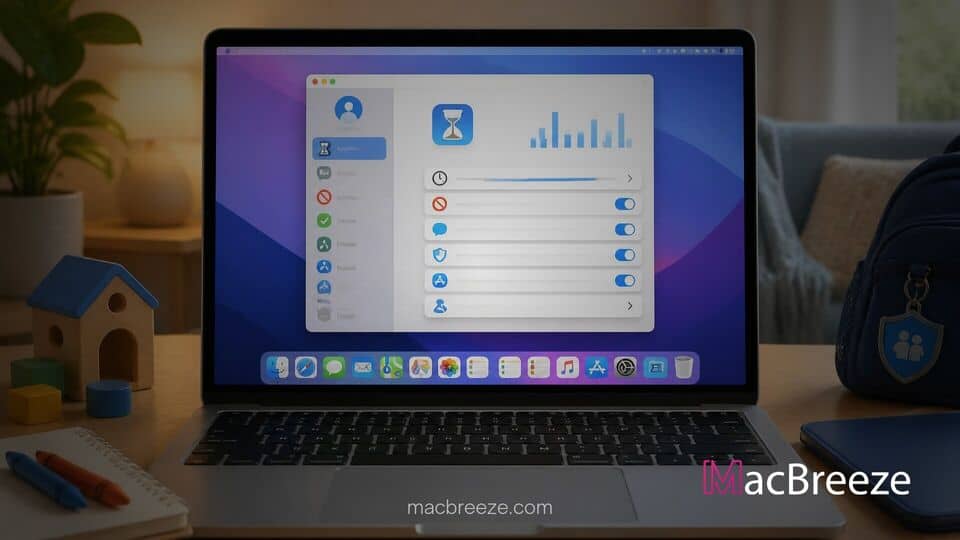
Apple has published a promotional video detailing the expanded child safety features and parental controls available in macOS 27, iOS 27, and iPadOS 27. The brief animated guide highlights how parents can set up child accounts and configure system wide protections across all family devices.
Apple Spotlights Expanded Parental Controls in New Video
The newly released video serves as an accessible walkthrough for parents managing digital environments for their children. Apple focuses on how macOS 27 integrates parental controls directly into the child account creation process, avoiding hidden menus or scattered settings. By using Family Sharing, parents can implement age appropriate boundaries that apply seamlessly whether a child is using a desktop Mac or a mobile device.
This promotional push comes shortly after the public rollout of macOS 27. The operating system update introduced notable system changes, including restored hardware information features like the ability to check Mac manufacture date directly inside System Settings. Alongside core OS improvements, family management tools received significant structural updates.
Focus on Child Accounts and Intuitive Safeguards
At the center of Apple's demonstration is the Child Account setup, which acts as the foundation for all incoming restrictions. When a parent creates an account tailored to a child's age, macOS 27 automatically applies recommended baselines. Parents can then choose specific default applications that appear on the child's Mac desktop or iOS device, preventing initial exposure to unrestricted app ecosystems.
apple child safety video macos 27
The apple child safety video macos 27 coverage centers on new web filtering tools, communication boundaries, and time management settings designed to make device monitoring more straightforward for parents. The video illustrates how single tap controls and automated detection engines safeguard younger users across Safari, Messages, and FaceTime.
Ask to Browse, Time Allowances, and Communication Safety
One of the primary highlights shown in the video is the new Ask to Browse tool in Safari. Building on the long standing Ask to Buy system for App Store downloads, Ask to Browse requires children to request permission before visiting previously unapproved web addresses. Parents receive an instant notification on their primary Apple device to approve or deny access.
Apple has also updated its Communication Safety features. While earlier releases detected explicit content in messages, the update in macOS 27 extends real time detection to block violent content and gore in shared media and incoming FaceTime streams. Additionally, new Time Allowances and Schedules allow families to enforce strict boundaries for specific app categories, such as games or social platforms, during school hours or family meals.
While Apple continues adding software protections, managing local device resources remains essential for families setting up dedicated shared Macs. Recent technical analysis revealed that macOS 27 Apple Intelligence storage footprint can reach substantial sizes on local drives, making drive storage management vital when configuring multi user setups.
How Families Can Configure Screen Time Restrictions on Mac
Configuring parental controls in macOS 27 relies on the redesigned Screen Time interface in System Settings. Parents can access usage statistics at a glance and temporarily pause access with quick override buttons. To ensure these safety features work correctly across all hardware, Apple notes that every device linked to the Family Sharing group must run the latest software releases.
These software safety enhancements mirror broader platform changes across Apple's lineup. As developers adjust to updated rules, including policies that allow software creators to drop Intel Mac support in favor of modern Apple silicon updates, operating system level safeguards become increasingly unified across new software releases.
The promotional video highlights Apple's effort to make digital safety settings easier to understand and use. By combining web filtering, content analysis, and simple time controls into unified child accounts, macOS 27 offers families a clearer path toward safe computing.