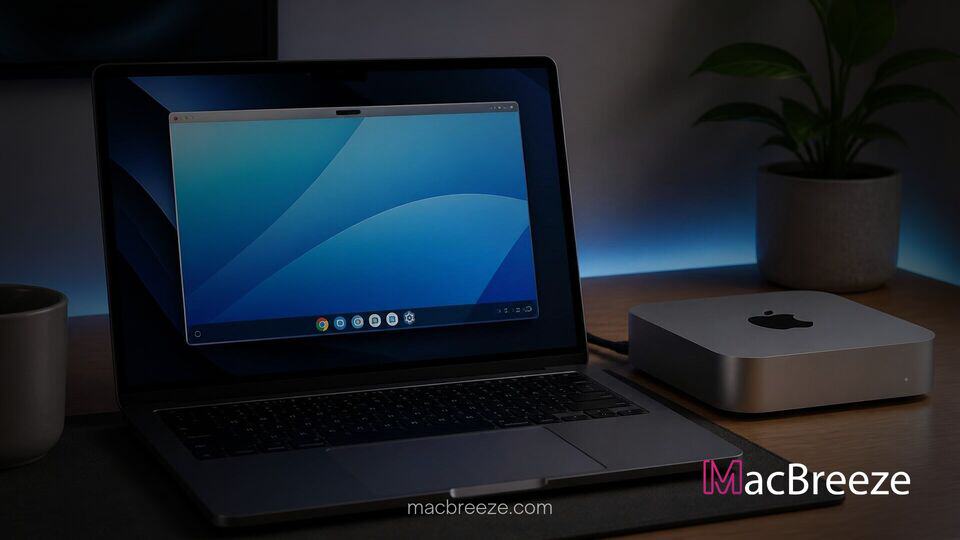
A new open-source project named gbos-vm allows users to run Google's newly released Googlebook OS directly on Apple Silicon Macs. Developed by Skylar Taylor-Barrick, the utility repurposes official ARM64 recovery builds into GPU-accelerated virtual machines using native macOS hypervisor capabilities.
By leveraging the shared ARM architecture between modern Apple hardware and Snapdragon-powered laptops, the tool bypasses traditional CPU instruction translation. This approach enables near-native performance for key web tools and interface components without relying on full system emulation.
Googlebook OS Running on Apple Silicon via gbos-vm
The release of the open-source gbos-vm project gives developers and tech enthusiasts an early opportunity to test Google's latest desktop environment on Mac hardware. Rather than creating an unofficial operating system fork, gbos-vm fetches an official recovery image for ARM64 devices such as the Dell Googlebook directly from Google servers. The installation script modifies hardware-specific vendor partitions, replacing proprietary device drivers with virtualized components derived from Google's open-source Cuttlefish project.
Because Googlebook OS utilizes Vulkan for graphics rendering, the virtual machine bridges calls to Apple's native Metal graphics API through MoltenVK. This translation layer grants the guest operating system access to hardware acceleration on Apple Silicon chips. Users can launch the system inside a QEMU-backed virtual environment, offering a functional web browser and desktop interface while leaving the host macOS system untouched.
Key Capabilities and Hardware Requirements
To run gbos-vm, users need a Mac powered by Apple Silicon, as Intel-based Macs lack the necessary ARM architecture compatibility. The developer recommends a system with at least 16 GB of unified memory and approximately 60 GB of free storage space to handle the installation scripts, build dependencies, and image downloads.
- Supported Processors: Apple M1, M2, M3, M4, and M5 series chips.
- Memory Allocation: The default virtual machine setup assigns 4 GB of RAM to the guest OS.
- Dependencies: Requires Xcode Command Line Tools, Homebrew, JDK, and the Android SDK with NDK installed.
- Graphics Acceleration: Vulkan-to-Metal translation via MoltenVK provides 3D acceleration.
While experimental, early testing across community hardware shows fast boot times. On recent Mac models, initial startup completes in roughly 45 seconds, producing a usable desktop environment equipped with working network pass-through and functioning Google Chrome browsing.
Technical Limitations and Known Issues
Despite successfully booting on Apple Silicon, gbos-vm remains an experimental utility and includes several technical limitations. The project relies on software-based security implementations for KeyMint and Gatekeeper, meaning hardware-backed secure element storage is absent. As a result, the developer cautions against logging into critical primary accounts or storing sensitive personal data inside the virtual machine.
Display output is currently restricted to a 60 Hz refresh rate, and rendering artifacts can occur in specific WebGL applications due to vertex shade translation quirks. Hardware integration features such as native Bluetooth pairing remain unstable or non-functional without specific Android Emulator packages, while Trusted Platform Module (TPM) daemons currently crash on initial startup. Audio playback is generally functional, though sporadic driver initialization bugs have been reported during boot cycles.
How the Virtualization Architecture Works
The efficiency of gbos-vm relies heavily on the structural alignment between Apple's custom M-series architecture and the Snapdragon X-series processors targeted by Google's desktop OS. Traditional x86 virtualization on ARM chips requires instruction set translation, which degrades processing speed and thermal efficiency. Because both platforms utilize the ARM64 instruction set, the host macOS kernel can execute guest system instructions directly through Hypervisor.framework without heavy CPU emulation.
This cross-platform compatibility demonstrates the versatility of modern Mac hardware. Apple has consistently expanded developer capabilities on its desktop ecosystem, whether through enterprise cloud initiatives like Apple's virtual GPU cloud tools or local machine learning frameworks. Project gbos-vm shows how open-source software can harness these hypervisor capabilities to explore alternative operating systems on unified memory architectures.
Future Prospects for Desktop OS Compatibility on macOS
The arrival of gbos-vm highlights growing interest in running light, cloud-focused operating systems within virtualized containers. While Apple continues updating software components across its hardware lineup, third-party projects frequently fill niche gaps for developers seeking multi-platform testing environments.
As developer Taylor-Barrick and community contributors refine the repository, future updates aim to address Bluetooth stability, display refresh options, and automated dependency configuration. Even in its early state, gbos-vm offers a practical look at the convergence of ARM-based operating systems, showing that cross-ecosystem platform testing is increasingly accessible on modern Mac hardware.
For users interested in exploring Googlebook OS without purchasing dedicated hardware, gbos-vm provides an accessible, non-destructive path for hands-on evaluation directly inside macOS.