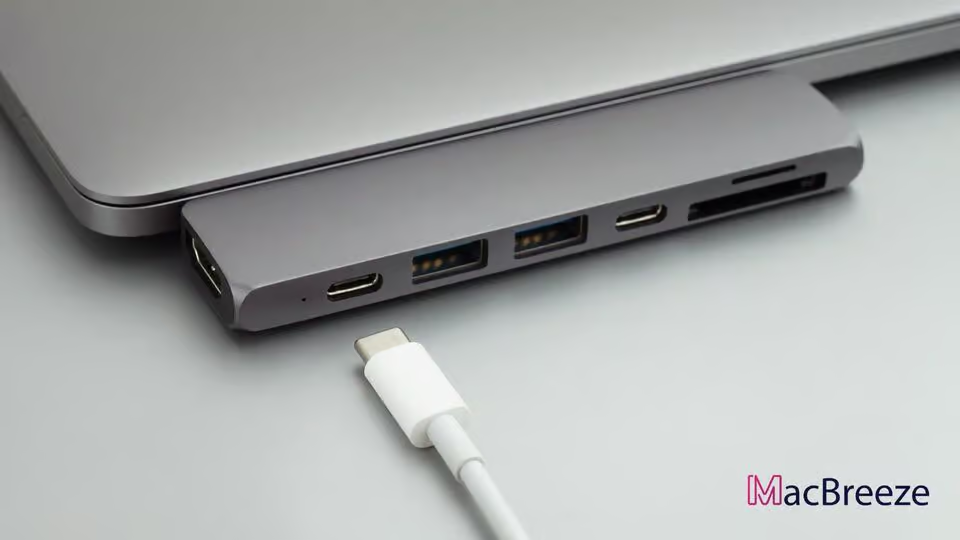
With time, laptops, especially MacBooks, are becoming slimmer. Manufacturers are sacrificing ports to improve the design. In this case, USB-C hubs will give you a better experience. But which are the best USB-C hubs for MacBook?
Apple often sacrifices various ports on its MacBook Air, MacBook Pro, Mac Mini, or even iMacs to keep the design elegant and slimmer. USB Type-A or HDMI is not seen in the latest MacBooks anymore. Now, USB-C or Thunderbolt ports are smaller as well as faster and more reliable.
But USB-A and HDMI ports are essential for most users. In some cases, Ethernet ports are also necessary. Also, the newer MacBooks have a limited number of ports; for example, the latest Apple Silicon MacBooks have just two Thunderbolt ports, which are not sufficient. As a result, you must have a USB-C hub.
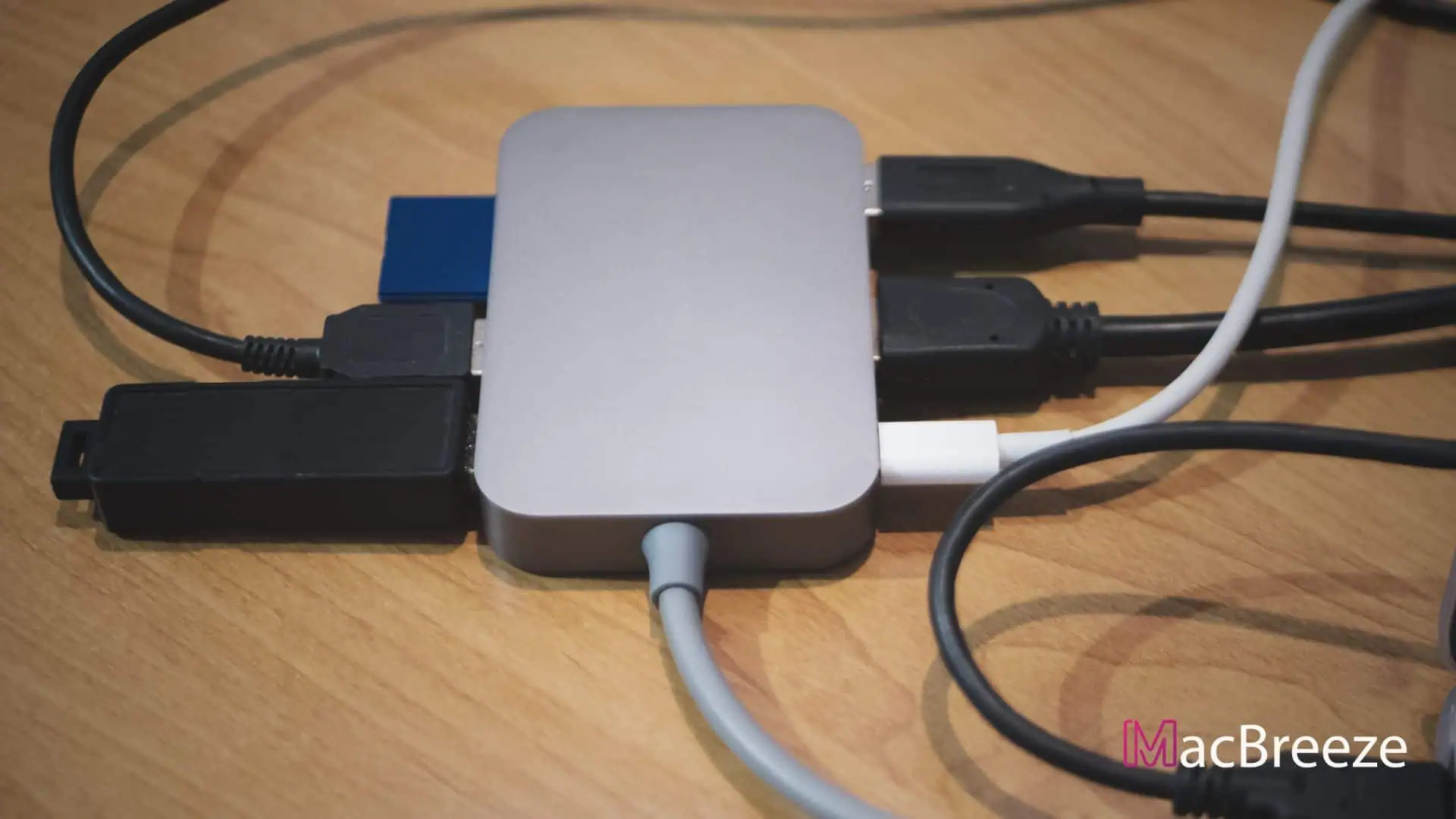
There are many types of USB hubs. But all of them allow you to get more types of ports. But not all of them are good enough, and you also need specific kinds of hubs. Bad hubs can cause damage to your Mac. So, it would be best if you were careful before getting one.
To make your world better, you can have a look at the best USB-C hubs mentioned in this article.
Top 5 Best USB-C Hubs for Mac in 2026
The following list is about the best USB-C hubs for MacBook Pro.
| RANK | PICTURE | NAME | RATING | SHOPS |
|---|---|---|---|---|
| #1 | 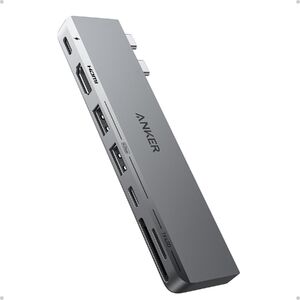 | Anker USB-C Hub for MacBook, 7-in-2 Mac Dock with 4K@60Hz HDMI
| ||
| #2 | 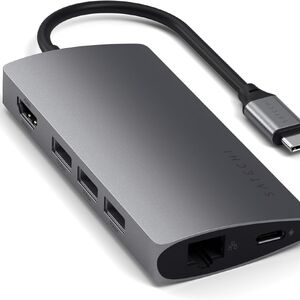 | Satechi 8-in-1 USB-C Hub V2
| ||
| #3 | 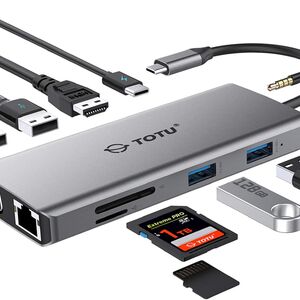 | TOTU 11-in-1 USB-C Hub/Adapter with Ethernet
| ||
| #4 | 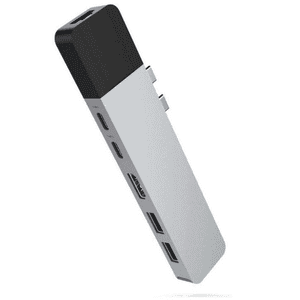 | HyperDrive Mac USB C Hub Adapter
| ||
| #5 | 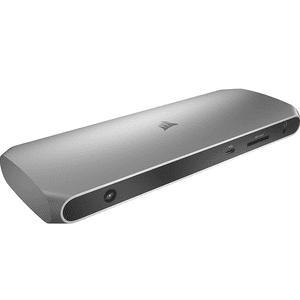 | Corsair TBT100 Thunderbolt 3 Dock
|
We have gone through the products' ratings, user experience, and quality for the best hubs for the MacBook Pro list. It will give an overall idea about the products and make it easy to make your decision.
1. Anker USB C Hub for MacBook (9.2/10)
Expand your MacBook’s connectivity with this versatile 7-in-2 USB-C hub, featuring 4K HDMI, high-speed data ports, and seamless PD charging. (8.8/10)
Brand: Anker
HDMI Output: 4K@60Hz
USB Ports: 2x USB-C, 2x USB-A
Card Slots: SD & microSD
Power Delivery: Up to 100W PD charging
Compatibility: MacBook Pro/Air with dual USB-C
See PriceData transfer with USB devices is quite time-consuming. But what if you get 40Gb/s in your USB hub? For sure you won't miss that chance. Having a media display resolution of up to 5K, this best hub for MacBook Pro m1 offers an immense charging power of up to 100W. You can easily enjoy the crystal-clear display without any issues.
There are two ports, namely, the HDMI port offers 4K@30Hz, and the multi-function port gives 5K@60Hz. You can also connect to multiple monitors with the multi-function port. The minimalist design may trick whether it will serve good or not. But the maximum expansion will astonish you. Overall, this is the best hub for MacBook Pro, Air, and Mini.
Pros and Cons:
| Pros | Cons |
|---|---|
| Supports 4K@60Hz HDMI output | Designed specifically for MacBook models with dual USB-C ports |
| All-in-one 7-in-2 port expansion | Cannot use two external displays simultaneously |
| Fast data transfer speeds | May block adjacent ports depending on MacBook case |
| Compact and portable design | Not compatible with all USB devices |
| Pass-through PD charging support |
2. Satechi Aluminum Multi-Port Adapter V2 - (8.8/10)
Expand your device functionality with 8 essential ports, reliable 4K HDMI, ultra-fast data transfer, and power delivery—all in a sleek, portable hub. (8.8/10)
Brand: Satechi
HDMI Output: 4K @ 60Hz
USB Ports: 3 x USB-A 3.0, 1 x USB-C PD
Card Slots: SD, MicroSD
Power Delivery: Up to 100W
Compatibility: MacBook, Chromebook, Windows laptops, iPad Pro
See PriceSearching for the best USB-C hubs for MacBook Pro? Then the Satechi Aluminum Multi-Port Adapter V2 is a great choice for you. Having a slim and compact design, it will easily fit into your carrying bag. There is no extra pressure of installing software; just plug it in and enjoy.
This adapter is available not only for your MacBooks but also for many models. You will be able to use it for your Windows laptop also.
A 4K HDMI, Ethernet, and SD or microSD card reader have been added as well. Besides, a 1-year warranty removes some more tension. But it is not compatible with the Apple SuperDrive. Overall, it seems an outstanding package and one of the best hubs for MacBook Pro.
Pros and Cons:
| Pros | Cons |
|---|---|
| 11 ports cover most connectivity needs | Can get warm with prolonged use |
| Stable Gigabit Ethernet for fast wired internet | Some devices may require driver updates |
| Supports 4K HDMI output | May not support high-powered device charging simultaneously |
| Multiple USB ports for peripherals | |
| Compact and travel-friendly |
3. TOTU 11-in-1 USB-C Hub/Adapter with Ethernet (8.8/10)
Expand your laptop’s connectivity with a versatile 11-in-1 USB-C hub featuring Ethernet, HDMI, USB ports, and more—perfect for home, work, or travel. (8.5/10)
Brand: TOTU
HDMI Output: 1 x HDMI (4K@30Hz)
USB Ports: 3 x USB 3.0, 2 x USB 2.0
Card Slots: SD, Micro SD
Power Delivery: Supports up to 100W PD charging
Compatibility: Works with MacBook, Windows laptops, Chromebooks, and select tablets
See PriceHave you ever imagined that you can add 11 devices at a time to your MacBook? Maybe yes or not. But now, it's not a big deal for one of the best USB-C hubs from TOTU. It has made this hub the third-best on our list.
The TOTU USB-C hub offers Crystal-clear 4K HDMI Output that adds some more color to your life. High-speed charging up to 100w is quite similar to the Anker USB-C hub. The Ethernet port will make your internet access just in a glimpse of an eye. A more reliable and faster wireless connection of 10/100/1000 Mbps superfast gigabit Ethernet performance will satisfy you.
Like the above models, it has a compact and slim design. Having so many ports has not made it like a fat cow. So, you can carry it wherever you want. These things have made it one of the best USB-C hubs for MacBooks in 2026.
Pros and Cons:
| Pros | Cons |
|---|---|
| 11 ports cover most connectivity needs | Can get warm with prolonged use |
| Stable Gigabit Ethernet for fast wired internet | Some devices may require driver updates |
| Supports 4K HDMI output | May not support high-powered device charging simultaneously |
| Multiple USB ports for peripherals | |
| Compact and travel-friendly |
4. HyperDrive Mac USB-C Hub Adapter (8.4/10)
Expand your Mac's connectivity with this sleek USB C hub, featuring HDMI, multiple USB ports, and SD card readers—perfect for productivity on the go. (8.6/10)
Brand: HyperDrive
HDMI Output: 4K @ 30Hz
USB Ports: 2 x USB 3.0, 1 x USB-C
Card Slots: SD, MicroSD
Power Delivery: Up to 100W pass-through
Compatibility: MacBook Pro, MacBook Air with USB C
See PriceTwo USB-C ports in one USB-C hub is it possible? Yes, now it is possible. One of the best USB-C hubs for MacBook Pro. Do you want two USB-C ports in one USB-C hub? If yes, the HyperDrive Mac USB-C Hub is for you. It has secured the 4th position in our top 5 best USB-C hubs list. For MacBook Pro models, it is an excellent choice.
The first USB-C/Thunderbolt port is basically for data transfer. That will offer 40 Gbps speed, which is the same as the Anker USB-C hub for MacBook. Another one is the 5K video output. That will give a crystal-clear view of videos. Impressive 100W power delivery is also there, like the TOTU USB hub.
The precision-milled aluminum enclosure makes it match the MacBook model. An additional mini DisplayPort will offer some more, like Mini DP – 4k @ 30Hz, 1080p @ 60 Hz. Overall, It can be an excellent option for power users.
Pros and Cons:
| Pros | Cons |
|---|---|
| Multiple ports in one compact device | May block adjacent MacBook ports |
| Supports 4K HDMI output | Aluminum body can get warm |
| Reliable fast-charging via power delivery | Not all ports support USB 3.0 speeds |
| SD and MicroSD card support | |
| Plug-and-play compatibility with Macs |
5. Corsair TBT100 Thunderbolt 3 Dock (7.8/10)
Unlock seamless connectivity for your laptop with blazing-fast Thunderbolt 3, dual HDMI 4K support, and versatile ports for efficient workspace expansion. (8.5/10)
Brand: Corsair
HDMI Output: 2x HDMI 2.0 (up to dual 4K@60Hz)
USB Ports: 2x USB-C 3.1 Gen1, 2x USB-A 3.1 Gen1
Card Slots: SD UHS-II card reader
Power Delivery: Up to 85W via Thunderbolt 3
Compatibility: Mac and Windows with Thunderbolt 3
Check PriceHow about a hub that lets you connect all of your devices with a MacBook? Definitely, you will love it. Whether you want to connect USB, HDMI, UHS-II SD Card, 3.5mm audio, or even more, you can do that with the best hub for MacBook Air Thunderbolt 3 dock.
This hub will supply 85w of power to your MacBook. The Gigabit Ethernet port will provide a better internet speed, which you may not find in the Multi-port Adapter V2. This durable hub comes with a slim aluminum housing.
This great-looking USB-C hub will easily fit into any setup. Not only your MacBook but also your Windows operating system is compatible with it. You can enjoy the portable storage as well. Overall, it's one of the best USB-C hubs for MacBook.
Pros and Cons:
| Pros | Cons |
|---|---|
| Dual 4K HDMI outputs for multiple displays | Premium price for a docking station |
| Up to 85W power delivery to charge laptops | Requires Thunderbolt 3 port to use all features |
| Plenty of USB ports for peripherals | Limited legacy port options (e.g., no VGA) |
| Integrated SD card reader for easy file access | |
| Sleek, low-profile design suits any desk |
You can't avoid USB-C hubs for MacBooks or any other Ultrabooks. Because to use additional essential devices, you will need them in most cases.
After having an eye on these top 5 best USB-C hubs for MacBooks, you have already understood which one is perfect for you. Not all Thunderbolt hubs will provide all the facilities. So, choose one wisely depending on your needs.