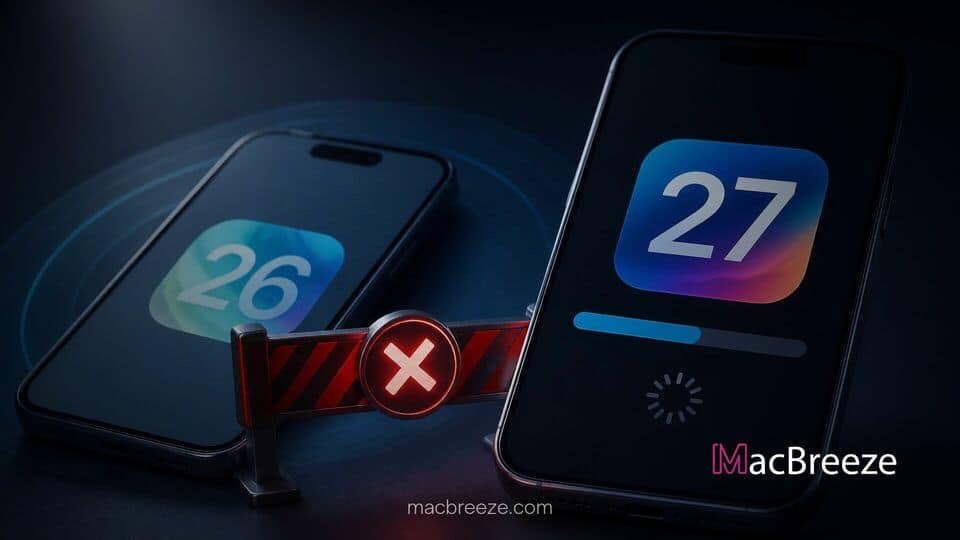
Apple has officially stopped signing iOS 26.6.2, effectively blocking iPhone owners who upgraded to iOS 27 from rolling back their device operating system. The software signing cutoff is part of Apple's standard post-launch timeline, which leaves users on the newest major release once a brief grace period ends.
Device owners who have updated their devices to iOS 27 are now committed to the latest software branch. The move impacts anyone attempting a restore via Finder or iTunes, as Apple's validation servers will no longer verify the installation bundle for iOS 26.6.2.
apple stops signing ios 26 6 2 downgrade after major software rollouts
>When Apple releases a major software generation, it routinely maintains software signing for earlier maintenance releases for a short window. This buffer gives users who encounter critical bugs, unexpected battery drain, or app incompatibilities a opportunity to revert to a proven release. Now that Apple has stopped signing iOS 26.6.2, that window has officially closed, making iOS 27 the only official destination for current iPhone software updates.
Software signing is the security architecture Apple uses to verify the integrity of firmware files before installing them on iOS hardware. When a user attempts to restore an iPhone using an IPSW file, the device communicates directly with Apple authorization servers. If the server response returns an invalid or unsigned status, the installation halts immediately to prevent unapproved firmware from booting.
Why Apple Discontinues Older iOS Code Signing
Apple enforces firmware signing windows primarily to maintain high security standards across its global device ecosystem. Older operating systems often contain unpatched vulnerabilities that security researchers or bad actors have exposed over time. By forcing devices to remain on the newest software track, Apple minimizes the attack surface across active hardware in the wild.
Beyond security patches, closing previous signing windows helps eliminate fragmentation for app developers and network carriers. Software engineers can focus on building features tailored to newer frameworks like enhanced Siri capabilities or expanded system services. In recent releases, Apple Intelligence storage demands expand to 14GB in iOS 27, reflecting how heavily integrated advanced local AI processing has become within the core system architecture.
What the Cutoff Means for Existing iPhone Users
For the vast majority of iPhone owners, the end of iOS 26.6.2 code signing will pass completely unnoticed. Users who stayed on iOS 26 without updating can continue using their devices normally without interruption. However, if those users eventually choose to install an update, their devices will upgrade straight to iOS 27 or a subsequent patch release rather than an intermediate point build.
For users who already upgraded to iOS 27, returning to iOS 26 is no longer possible under standard consumer workflows. Attempting to force an older firmware file using recovery mode will result in an error during the server validation step. Devices currently experiencing performance hitches or minor software bugs must rely on future point updates to address those issues.
Impact on iOS 27 Upgrade Decisions
The closing of the signing window marks a pivotal transition point for cautious users who usually wait before upgrading. Software stability typically matures quickly during early maintenance cycles, with Apple actively addressing early user feedback. For instance, developers are already testing upcoming features and optimizations in the second developer beta of iOS 27.2.
Users hesitant about moving to the newer platform will need to evaluate whether the newest feature additions outweigh any potential initial bugs. Once upgraded, there is no returning to the previous operating system generation, making the decision permanent for everyday device management.
Security and System Stability Considerations
Security updates play a huge role in Apple's push toward universal adoption of new operating systems. Beyond iOS, Apple routinely coordinates system maintenance across its broader product ecosystem. The company recently released security updates for macOS Tahoe 26.7 and macOS Sequoia 15.8 to patch dozens of potential system vulnerabilities.
Maintaining parity across hardware platforms ensures that connected features continue to function seamlessly. System options like family controls and safety monitors rely on synchronized protocols across devices, such as the expanded child safety features across iOS 27 and iPadOS 27. Running outdated system builds on one device can lead to synchronization errors across a user's personal iCloud account.
What to Do If You Experience iOS 27 Performance Issues
If you have already updated to iOS 27 and are experiencing battery drain, thermal heating, or app instability, standard troubleshooting steps can help resolve common software conflicts. Performing a full backup and completing a clean factory reset through system settings often clears corrupt temporary files left behind during major upgrades.
Additionally, keeping all third-party applications updated via the App Store ensures full compatibility with the latest system frameworks. Apple is expected to roll out further minor updates in the coming weeks to address system bugs and optimize performance across all supported iPhone models.
In short, the closing of the iOS 26.6.2 signing window is a standard step in Apple's software lifecycle. While it closes the door on software downgrades, it keeps the platform moving forward safely on the latest software branch.